
In today’s digital world, your personal brand is your identity. Whether you’re a freelancer, coach, influencer, or entrepreneur, having a recognizable and professional visual style helps you stand out from the crowd. But building a brand can feel overwhelming—especially if you’re not a designer.
That’s where Canva templates come in. Canva makes it easy for anyone to design stunning, consistent visuals that reflect their personality and message—without needing expensive design tools or advanced skills.
In this guide, you’ll learn exactly how to build a personal brand using Canva templates, from choosing the right colors and fonts to creating cohesive social media content that attracts your ideal audience.
What Is Personal Branding and Why It Matters
Before we dive into Canva, let’s clarify what personal branding really means.
Your personal brand is the way people perceive you online and offline. It’s a combination of your values, tone, design style, and the message you share through your visuals, website, and social platforms.
Why Personal Branding Is Important
- Builds trust: A consistent brand presence helps your audience feel confident in who you are and what you offer.
- Attracts opportunities: A strong brand draws clients, collaborations, and followers naturally.
- Differentiates you: Your brand helps you stand out in a crowded industry.
Whether you’re a content creator, digital marketer, or business coach, your brand identity is your most valuable asset—and Canva can help you build it beautifully.
Why Use Canva for Personal Branding?
Canva is one of the most user-friendly and affordable design tools available. It’s perfect for beginners and professionals alike who want to create consistent, professional visuals.
Here’s why Canva is ideal for building your personal brand:
- Ready-made templates: Thousands of pre-designed layouts for social media, logos, and more.
- Easy customization: Change colors, fonts, and images to match your style.
- Time-saving: Design content quickly and reuse templates.
- Accessible: Works on desktop and mobile—no design software needed.
- Brand Kit (Pro feature): Store your brand fonts, colors, and logos for consistency.
Step-by-Step Guide: How to Build Your Personal Brand Using Canva Templates
Let’s walk through a step-by-step process to build a cohesive and professional personal brand in Canva.
Step 1: Define Your Brand Identity
Before designing anything, you need clarity about who you are and what your brand represents.
Ask yourself:
- What are my brand values? (e.g., creativity, authenticity, professionalism)
- Who is my target audience? (e.g., entrepreneurs, students, designers)
- What feelings do I want my visuals to evoke? (e.g., trust, energy, calmness)
Once you have these answers, you’ll have a foundation for your design choices.
Step 2: Choose a Color Palette That Reflects Your Personality
Colors play a huge role in shaping how people perceive your brand. Canva offers ready-made color palette ideas, or you can create your own.
Here’s a quick guide to help you choose:
- Blue: Trustworthy and professional (great for coaches, consultants)
- Pink or Peach: Feminine and approachable (ideal for lifestyle influencers)
- Black & Gold: Elegant and premium (for luxury or fashion brands)
- Green: Calm and natural (perfect for wellness or eco brands)
Pro Tip: Use Canva Brand Kit (available in Canva Pro) to save your color palette so it’s automatically applied across all your templates.
Step 3: Pick the Right Fonts for Your Brand Voice
Fonts help express your brand’s tone and personality. Canva has thousands of fonts to choose from, so select ones that fit your vibe.
Here are a few suggestions:
- Bold & Modern: Montserrat, Poppins, Bebas Neue
- Elegant & Feminine: Playfair Display, Raleway, Great Vibes
- Clean & Minimal: Lato, Open Sans, Roboto
Tip: Stick to 2–3 fonts maximum—one for headings, one for subheadings, and one for body text—to keep your visuals clean and cohesive.
Step 4: Use Canva Templates for Social Media Consistency
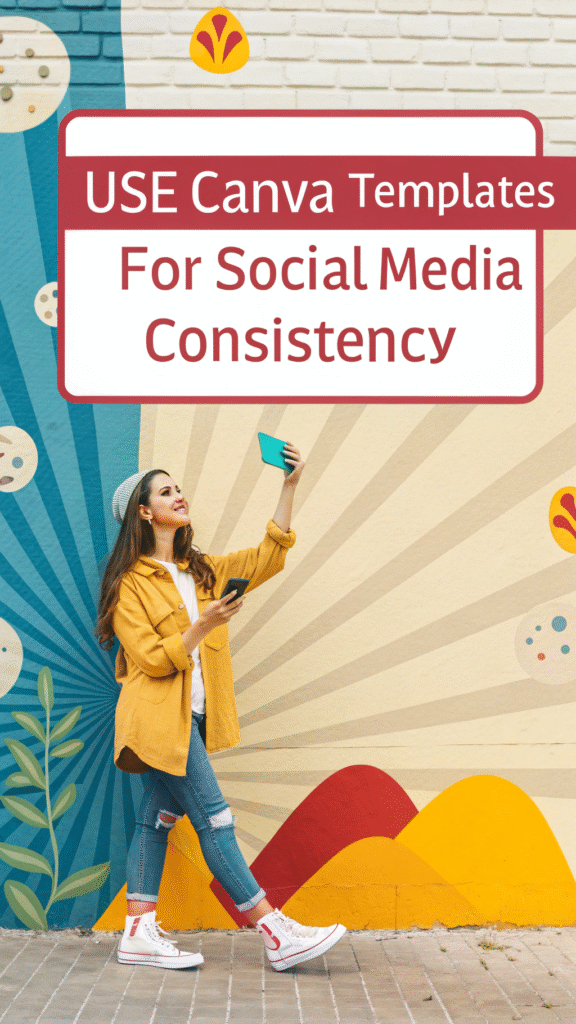
Social media is one of the most powerful tools for personal branding. With Canva, you can create stunning and uniform graphics across platforms like Instagram, LinkedIn, Facebook, and YouTube.
Here’s how:
- Search “Instagram post template” or “LinkedIn banner” in Canva.
- Pick a design that matches your aesthetic.
- Customize the colors, fonts, and images with your brand elements.
- Save it as your personal brand template for future use.
Pro Tip: Create a folder named “My Brand Templates” and keep your designs organized for quick access.
Step 5: Design a Professional Logo Using Canva
Your logo is the visual anchor of your personal brand. It should be simple, memorable, and versatile.
- In Canva, search for “Logo Template.”
- Choose one that fits your personality.
- Replace icons, change fonts, and adjust colors to make it uniquely yours.
- Download it in PNG format with a transparent background (available in Canva Pro).
A logo is not just a design—it’s a statement. Use it across all your materials, from social media to business cards.
Step 6: Create a Brand Kit for Effortless Consistency
Canva Pro’s Brand Kit helps you maintain consistency without the headache.
You can:
- Upload your logo
- Set brand colors and fonts
- Save templates for posts and ads
Once set up, Canva automatically applies these settings to any new design you create—saving hours of work and ensuring every piece matches your brand identity.
Step 7: Create Cohesive Brand Assets
Now that your brand identity is ready, start creating content that aligns with your visual style:
- Instagram posts & stories – for engagement and visibility
- LinkedIn banners – to look professional and credible
- Email headers – for consistent communication
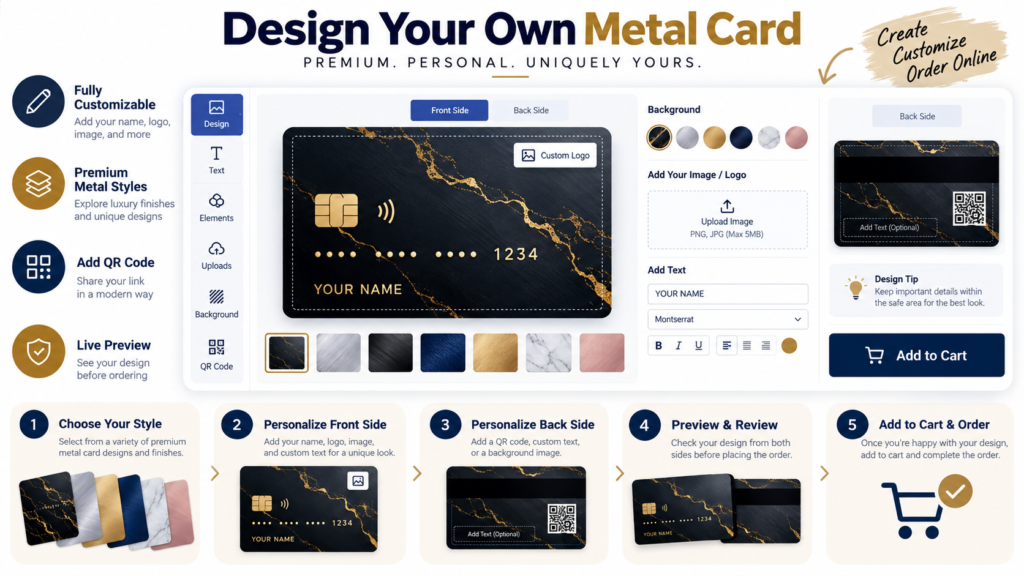
- Business cards – to strengthen your offline identity
- Ebooks or guides – to build authority in your niche
You can find templates for all of these inside Canva—just customize and you’re ready to go!
Tips for Building a Strong Personal Brand Using Canva
To make your branding efforts more effective, follow these expert tips:
- Keep it consistent: Use the same fonts, colors, and tone across all designs.
- Be authentic: Your visuals should reflect you—not just trends.
- Use high-quality images: Canva’s Pro library has millions of stock photos to enhance your content.
- Create templates for repetition: Build templates for posts you publish often (quotes, tips, announcements).
- Update regularly: As your brand evolves, refresh your visuals to stay modern and relevant.
Canva Pro vs Free for Personal Branding
| Feature | Canva Free | Canva Pro |
|---|---|---|
| Templates | Limited | Thousands of premium templates |
| Brand Kit | ❌ | ✅ |
| Transparent Logo Export | ❌ | ✅ |
| Stock Images | Basic | Access to 100+ million photos |
| Resize Tool | ❌ | ✅ |
| Team Collaboration | ❌ | ✅ |
If you’re serious about personal branding, Canva Pro is worth the investment. It gives you everything you need to build and manage your visual identity like a pro.
Conclusion
Building a personal brand doesn’t require hiring expensive designers or spending hours learning complex tools. With Canva templates, you can create stunning visuals, express your personality, and maintain consistency across all platforms effortlessly.
Your personal brand is your story—told through design, words, and emotion. Start today by defining your brand colors, fonts, and message, then use Canva to bring your vision to life.
Ready to start building your personal brand? Head over to Canva.com and create your first branded template today!
FAQs About Building a Personal Brand Using Canva
1. Can I build a personal brand using Canva Free?
Yes, you can start with Canva Free, but Canva Pro offers more features like Brand Kits and premium templates for better consistency.
2. How do I make my brand look professional in Canva?
Use consistent fonts, colors, and high-quality templates. Avoid cluttered designs and always preview before publishing.
3. Can I upload my own logo to Canva templates?
Absolutely. You can upload your custom logo and apply it to any Canva design.
4. How often should I update my brand visuals?
Update your visuals every 6–12 months to keep your brand fresh and aligned with your goals.
5. What’s the best way to maintain consistency across designs?
Use Canva’s Brand Kit and save your templates—so every new design automatically matches your brand
3 Responses