Images
Social Media Size & Image Resizer
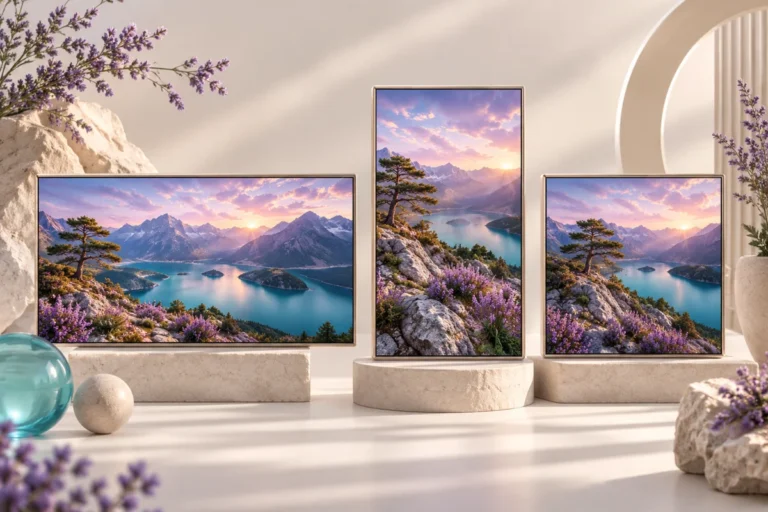
Resize an image to social presets or exact dimensions, adjust the crop and export a ready-to-use file.
Open tool →
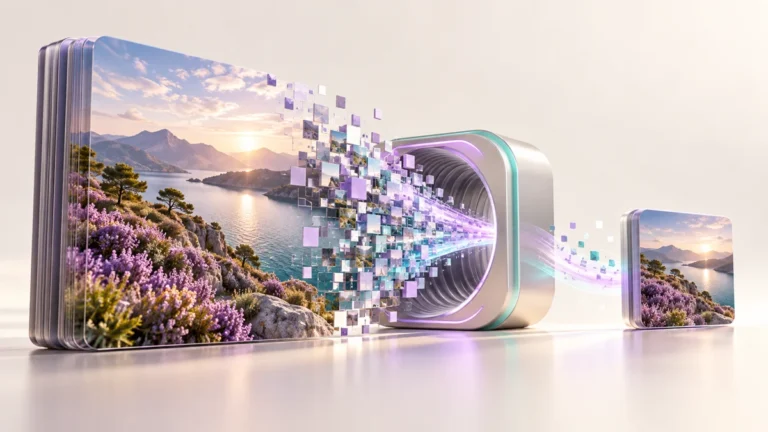
Convert image formats, preserve transparency where supported and choose a background for JPEG.
No account needed · Process locally · Download your resultFree browser tool
A transparent logo, product photograph and website illustration do not always need the same file type. Convert exported artwork to a format your next destination accepts without installing a desktop image editor.
Use PNG for a transparent logo asset and JPEG for a photographic email banner. WebP can be useful for website images when the destination supports it.
Conversion does not make a raster image into an editable vector. SVG, PDF, HEIC and animated files are outside the supported workflow. Browser exports can remove metadata.
Keep an untouched original and inspect the result at the size your audience will see. If your next step is a new layout, explore free Canva templates. For additional context, read the related design guide or collection.
No. Changing the format cannot restore detail already lost to JPEG compression. It only changes how the current pixels are saved.
The tool processes supported inputs in your browser. This plugin does not upload your working images or text. Other scripts installed by a site owner follow their own privacy policies.
Browse all free design tools or choose a related utility below. For ready-made layouts, explore Instagram, Pinterest and Facebook templates.
Resize an image to social presets or exact dimensions, adjust the crop and export a ready-to-use file.
Open tool →Reduce image file size with adjustable JPEG or WebP quality and an optional width limit.
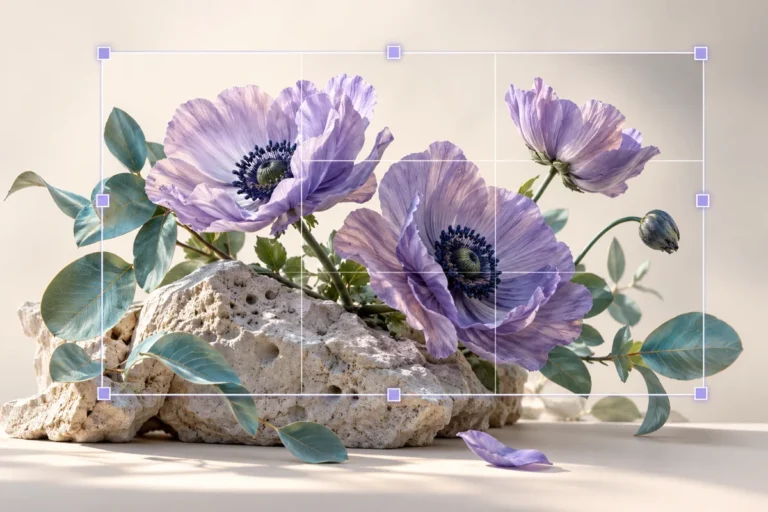
Open tool →Crop photographs to square, portrait, landscape or custom aspect ratios with focal-point controls.
Open tool →
Independent tools for your design workflow. Not affiliated with or endorsed by Canva.