Images
Social Media Size & Image Resizer
Resize an image to social presets or exact dimensions, adjust the crop and export a ready-to-use file.
Open tool →
Flip a photo horizontally or vertically and rotate it in clean 90-degree steps.
No account needed · Process locally · Download your resultFree browser tool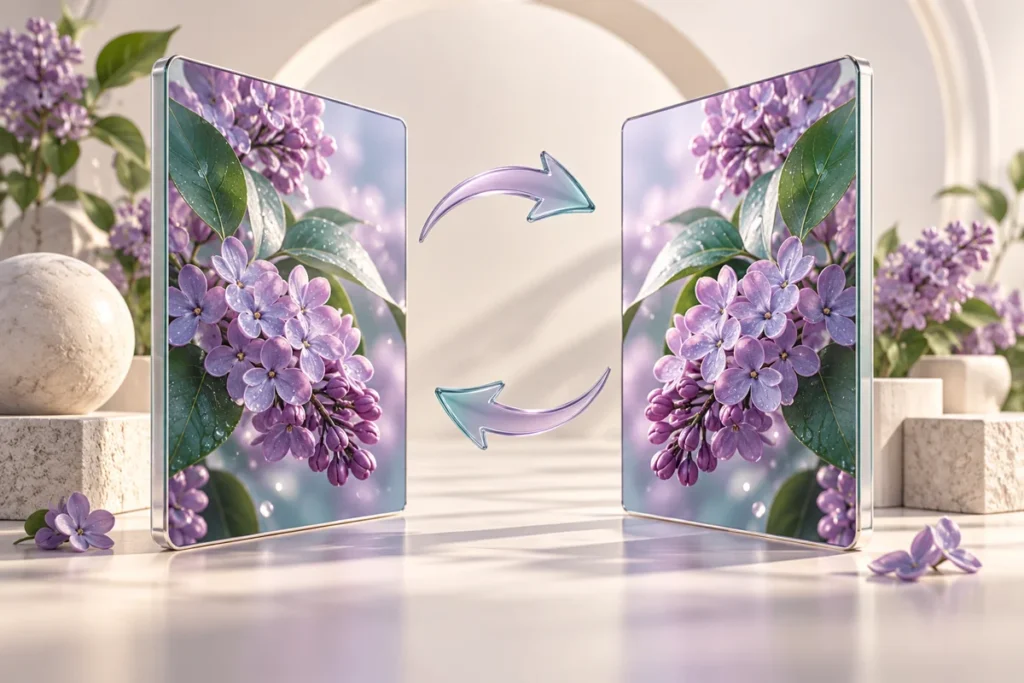
A photo facing away from your headline can make a layout feel disconnected. Flipping changes the direction of the subject, while rotation corrects sideways images before you place them in a template.
Mirror a decorative leaf photograph so it points toward your text. Avoid mirroring product packaging if the label contains writing.
Mirroring also reverses text, logos and directional symbols. The tool changes pixel orientation and does not perform perspective correction.
Keep an untouched original and inspect the result at the size your audience will see. If your next step is a new layout, explore free Canva templates. For additional context, read the related design guide or collection.
No. The output canvas swaps width and height for quarter-turn rotations so the complete image remains visible.
The tool processes supported inputs in your browser. This plugin does not upload your working images or text. Other scripts installed by a site owner follow their own privacy policies.
Browse all free design tools or choose a related utility below. For ready-made layouts, explore Instagram, Pinterest and Facebook templates.
Resize an image to social presets or exact dimensions, adjust the crop and export a ready-to-use file.
Open tool →Reduce image file size with adjustable JPEG or WebP quality and an optional width limit.
Open tool →Convert image formats, preserve transparency where supported and choose a background for JPEG.
Open tool →
Independent tools for your design workflow. Not affiliated with or endorsed by Canva.