Colors
Color Contrast Checker
Measure text and background contrast and check WCAG AA and AAA color thresholds.
Open tool →
Find five dominant colors in a photograph and copy their HEX values for your next design.
No account needed · Process locally · Download your resultFree browser tool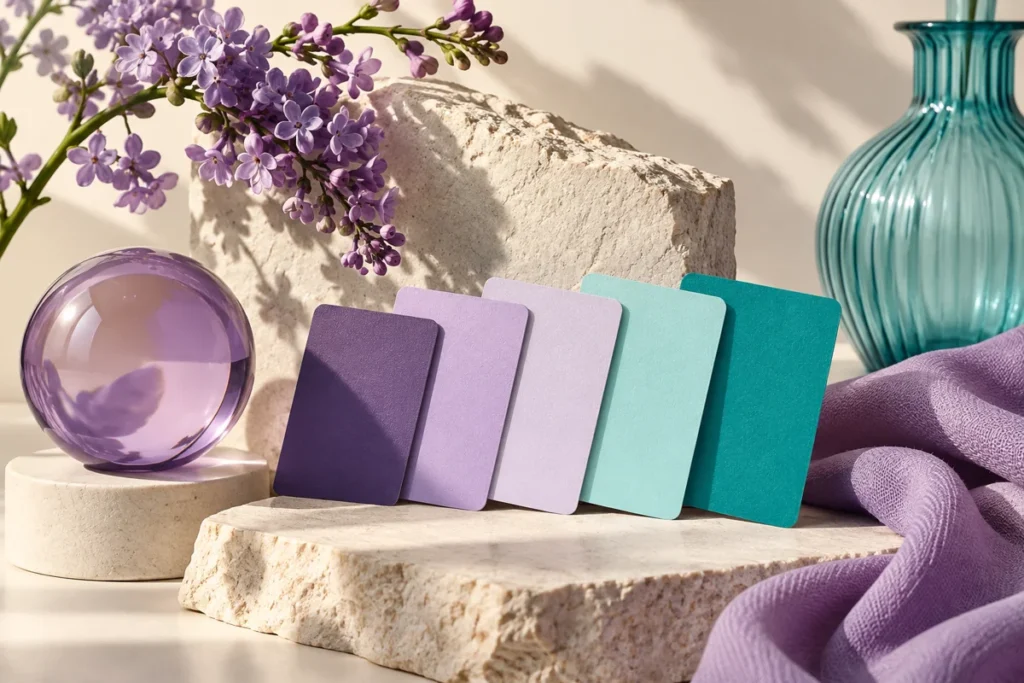
Matching a template to a product photo is easier when you start with colors already present in the image. This tool samples the photograph and groups similar pixels into a small practical palette.
Extract warm neutrals from a skincare photograph, then use one as the background and another as an accent. Keep text colors separate until you have checked readability.
Dominant colors are approximate, not a calibrated brand specification. Transparent pixels are excluded. A nearly single-color image may return fewer than five distinct colors.
Keep an untouched original and inspect the result at the size your audience will see. If your next step is a new layout, explore free Canva templates. For additional context, read the related design guide or collection.
No. Attractive colors may have low contrast. Test actual foreground and background pairs before using them for important text.
The tool processes supported inputs in your browser. This plugin does not upload your working images or text. Other scripts installed by a site owner follow their own privacy policies.
Browse all free design tools or choose a related utility below. For ready-made layouts, explore Instagram, Pinterest and Facebook templates.
Measure text and background contrast and check WCAG AA and AAA color thresholds.
Open tool →Create a two-color gradient, copy its CSS or download a custom-size PNG background.
Open tool →Resize an image to social presets or exact dimensions, adjust the crop and export a ready-to-use file.
Open tool →
Independent tools for your design workflow. Not affiliated with or endorsed by Canva.