Colors
Image Color Palette Extractor
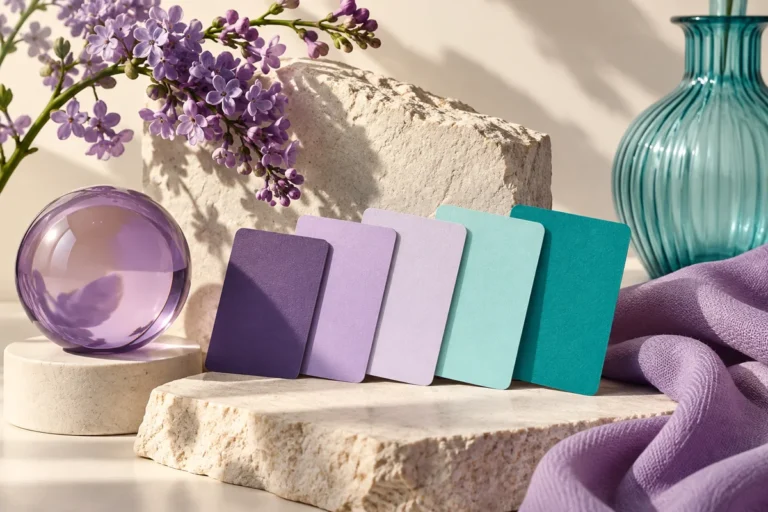
Find five dominant colors in a photograph and copy their HEX values for your next design.
Open tool →
Create a two-color gradient, copy its CSS or download a custom-size PNG background.
No account needed · Process locally · Download your resultFree browser tool
A restrained gradient can add depth to a social graphic without competing with its message. Create the background at your intended image size and upload the PNG into Canva as a design asset.
Create a soft cream-to-lavender background for a product announcement, then place your headline where the gradient stays light enough for dark text.
The PNG is a flattened background. CSS is for websites, not a directly editable Canva gradient. Check text contrast against the least favorable part of the gradient.
Keep an untouched original and inspect the result at the size your audience will see. If your next step is a new layout, explore free Canva templates. For additional context, read the related design guide or collection.
This version uses two opaque colors. For predictable text legibility, choose colors that remain readable across the entire canvas.
The tool processes supported inputs in your browser. This plugin does not upload your working images or text. Other scripts installed by a site owner follow their own privacy policies.
Browse all free design tools or choose a related utility below. For ready-made layouts, explore Instagram, Pinterest and Facebook templates.
Find five dominant colors in a photograph and copy their HEX values for your next design.
Open tool →Measure text and background contrast and check WCAG AA and AAA color thresholds.
Open tool →Resize an image to social presets or exact dimensions, adjust the crop and export a ready-to-use file.
Open tool →
Independent tools for your design workflow. Not affiliated with or endorsed by Canva.