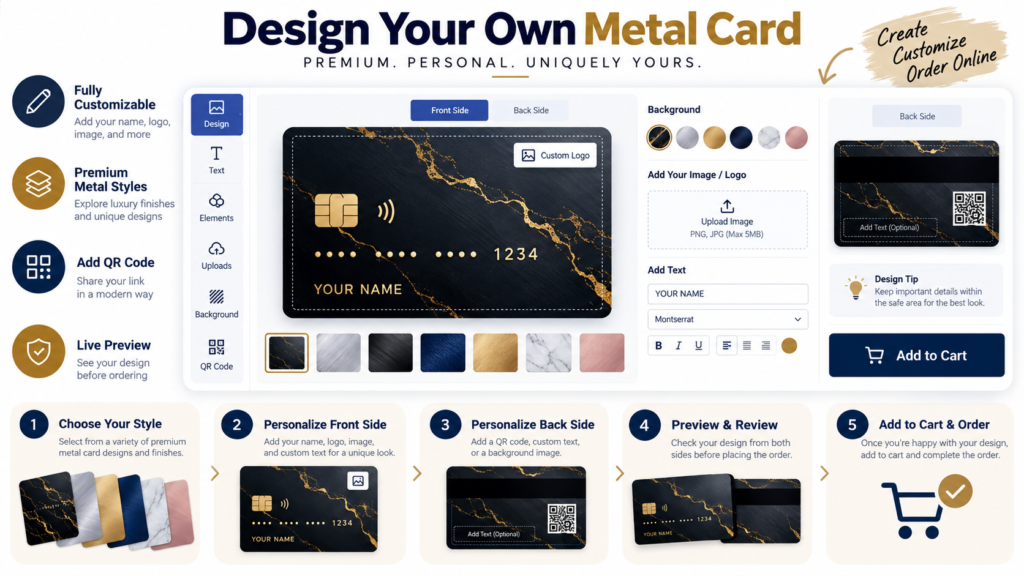
Facebook Post and Ad Design Tips in Canva for Clearer Creative
Facebook creative has to work in a busy feed, often on a phone. That makes hierarchy more important than decoration. A viewer should understand the main idea quickly, even before reading the full post copy.
Use the site’s Facebook Canva templates as starting points, then apply the system below to organic posts, promotions, and campaign creative.
Helpful Tool: Facebook Post & Ad Resizer
Facebook placements use multiple sizes. This tool helps you resize images for posts, ads, and covers without rebuilding the design from scratch.
- Switch between common Facebook creative sizes.
- Improve image clarity for post and ad placements.
- Download a ready-to-use version quickly.
1. Give Each Creative One Primary Message
Do not ask one graphic to announce a sale, explain three benefits, show five products, list contact details, and tell your full brand story. Decide the main purpose first.
Common Facebook creative goals
- Announce an offer
- Highlight one product or service
- Share a tip
- Promote an article
- Introduce a testimonial
- Drive a specific action
2. Design for Mobile First
Preview the graphic at small size. Fine details, thin text, and large blocks of copy become difficult to read quickly. Use comfortable margins and avoid placing essential information near crop-prone edges.
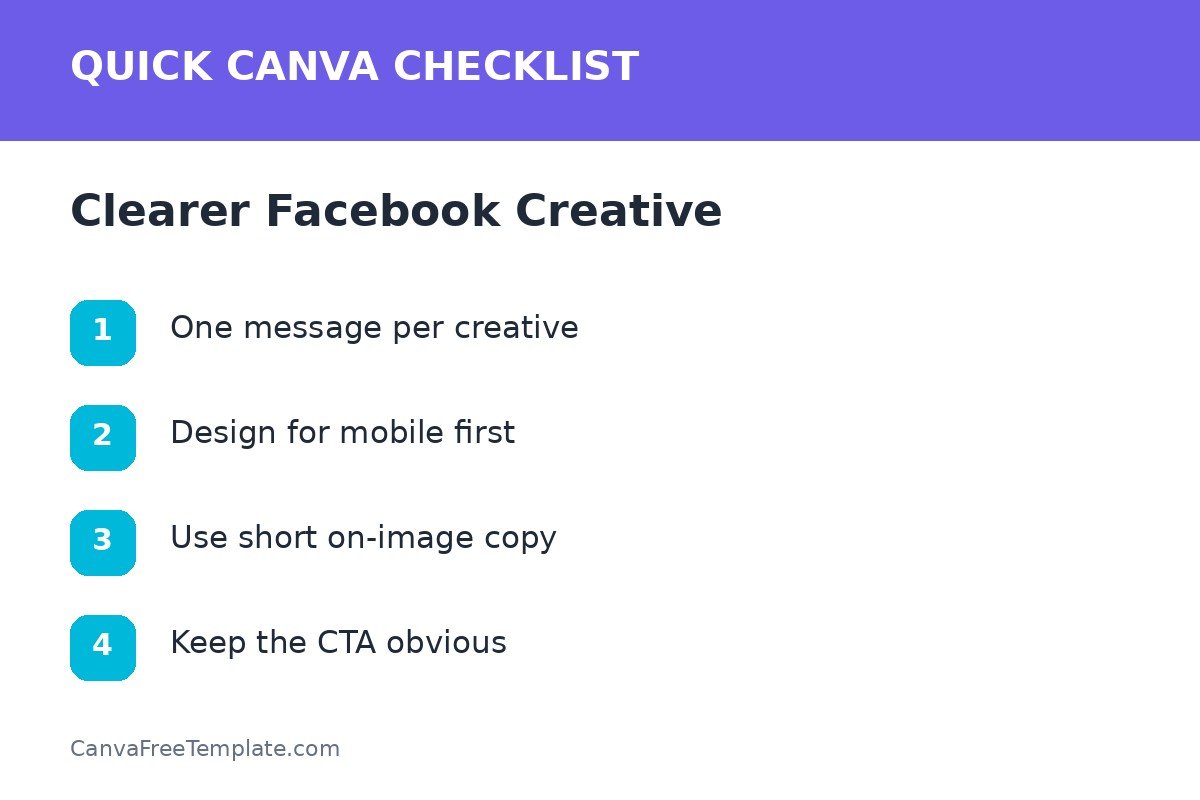
3. Keep On-Image Copy Short
Use the image for the hook and supporting context for the details. A strong structure is headline + one supporting phrase + clear action. If the design needs a paragraph to make sense, the concept may be too broad.
Better copy hierarchy
| Layer | Example purpose | Length |
|---|---|---|
| Headline | Main benefit or offer | Short |
| Support | One proof point or detail | One line |
| CTA | Next action | 2–4 words |
4. Use One Strong Visual Direction
Choose a product photo, lifestyle photo, illustration, bold type layout, or graphic mockup as the visual anchor. Combining all of them usually weakens the composition. Keep brand colors and typography aligned with your other channels; the personal brand guide explains how to build that consistency.
If you need cross-platform inspiration, compare the site’s Instagram templates and LinkedIn templates to see how the same brand system can adapt to different feeds.
5. Build Creative Variants, Not Random One-Offs
For recurring promotions, create a family of Canva layouts: product feature, testimonial, educational tip, and offer. Keep type, colors, spacing, and button styles consistent.
Test one variable at a time
Examples
- Same copy, different hero image
- Same image, different headline angle
- Same message, light vs. dark background
- Same offer, product-focused vs. benefit-focused layout
This makes creative testing more useful because you can identify which change made the design clearer or more engaging.
Facebook Creative Checklist
- One main message
- Readable at mobile size
- Short on-image copy
- Strong focal visual
- Consistent brand system
- Clear next action
- Correct placement dimensions
Keep a few polished master layouts inside Canva and reuse them. Starting from a consistent system is faster than designing every Facebook post from scratch, and it helps your visuals feel connected over time.
FAQs About Facebook Design in Canva
What makes a good Facebook post design in Canva?
A good design has one clear message, a strong visual focal point, readable text, consistent branding, and enough contrast to work on mobile.
Should I put all ad copy inside the Facebook image?
Usually no. Keep on-image copy concise and let the post or ad text carry additional context. The image should communicate the core idea quickly.
Can I use the same Canva layout for organic posts and ads?
You can reuse the visual system, but paid creative often benefits from a more focused value proposition and clearer call to action.
What size should I use for Facebook designs?
Choose the Canva preset that matches the exact placement you are creating for and verify current platform specifications before launching a campaign, because placements and requirements can change.