Canva Animation Not Working After Download? Fix Static MP4, GIF, and Timing Problems
You add motion in Canva, preview it, and everything looks right. Then the downloaded file is still. This is usually a format or timing problem, not a lost animation. A few checks can tell you where the motion stopped.
1. Check the download format
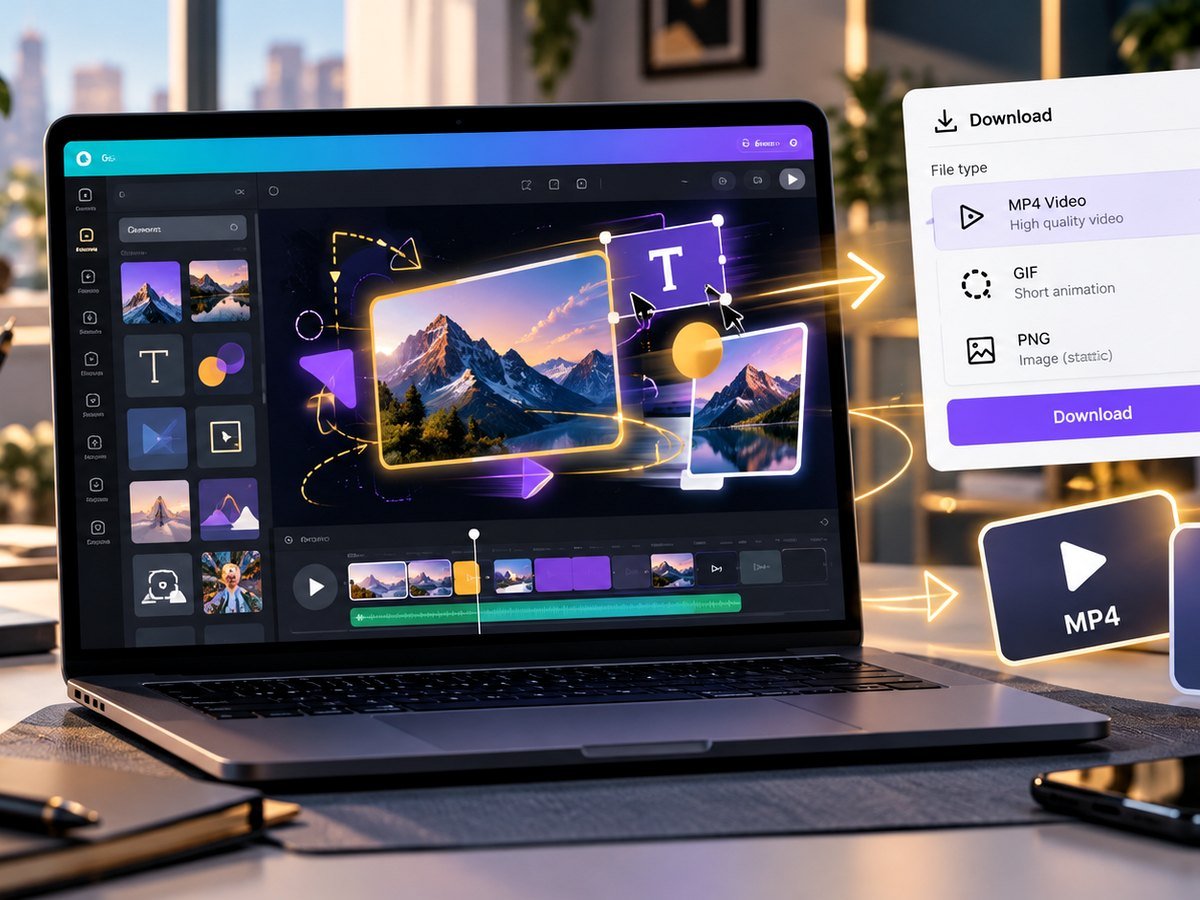
The most common cause is simple: the file type is static. PNG, JPG, and normal PDF files do not keep Canva motion. If the animation matters, download the design as MP4 video or GIF.
For a social post with sound or several animated scenes, MP4 is the safer choice. For a short silent loop, GIF may be useful.
2. Preview the exact page before export
Play the design inside Canva before you download it. Make sure the page animation starts, each element moves, and the timing feels right. If one item stays still in the preview, reselect it and check its animation setting.
Do not use export as your first test. Previewing saves time because it tells you whether the issue is in the design or only in the downloaded file.
3. Check page and element timing
An animation can look broken when the page ends too soon. Give the viewer enough time to see the motion. For text, keep the effect simple and give it time to settle before the next page.
| Symptom | Check |
|---|---|
| Animation cuts off | Increase page duration. |
| Motion is too fast | Slow the animation or page timing. |
| Only one object is still | Apply animation to that object. |
| Everything becomes static | Export as MP4 or GIF. |
4. Test the exported file in another player
Some apps show only a thumbnail until you press play. Open the MP4 in a normal video player or browser. If the file moves there, the export worked.
If the MP4 will not download at all, use our Canva export stuck guide. If the file downloads but looks soft, read the Canva blurry video fix.
5. Keep motion clear and useful
More animation is not always better. Use motion to show order, draw attention, or explain a change. Too many effects can make a design hard to scan.
If you are building animated social graphics from a template, start with a clean layout from the Instagram templates or Facebook templates, then add only the motion you need.
Canva Animation Tutorial
Video source: YouTube · Yes To Tech
Frequently asked questions
Why did my Canva animation become a still image?
The design may have been downloaded in a static format such as PNG, JPG, or PDF. Use MP4 or GIF when motion must remain.
Is MP4 or GIF better for Canva animation?
MP4 is usually better for smooth motion, sound, and social video. GIF can work for short silent loops but can have larger files or fewer colors.
Why is one element not moving?
Check that the element or page has an animation applied and preview the page before download.
Can a PDF keep Canva animation?
A normal PDF is a static document. Export motion as video or GIF instead.