Canva Hyperlink Not Working in PDF? Fix Clickable Links Before You Send the File
A link can work inside Canva and still fail in the file you send. The key is to link the correct element, choose a file type that supports links, and test the downloaded PDF. This takes only a few minutes and can save a broken proposal or lead magnet.
1. Add the link to the exact element
Select the text, button, image, or element that should be clickable. Add the full web address. After you add it, select the item again and confirm that the link is still there.
For buttons, make the whole button area clear. Do not rely on a tiny word that is hard to tap on a phone.
2. Export a PDF that keeps links
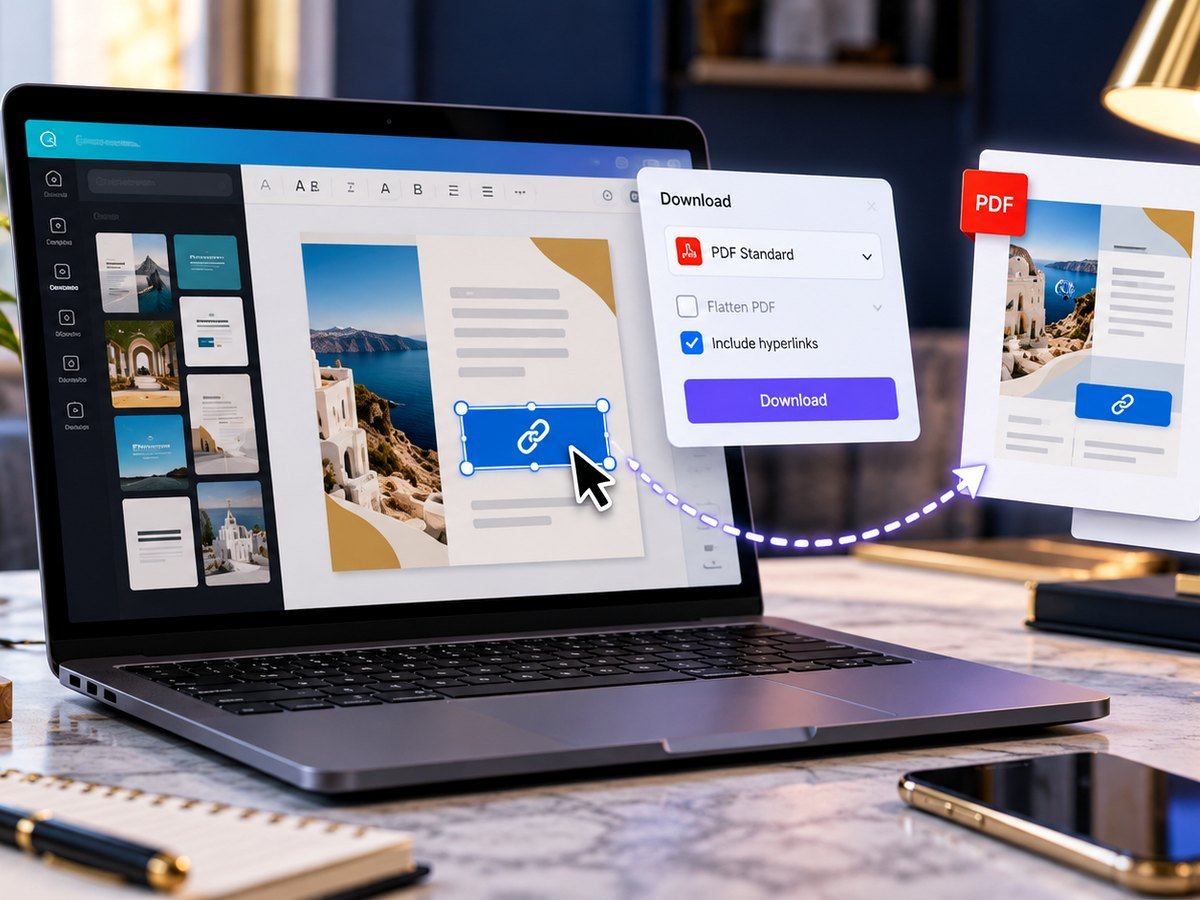
Clickable links need an interactive document format. PNG and JPG are images, so they cannot carry a normal clickable hyperlink. Use PDF for a proposal, guide, menu, or lead magnet that needs links.
Canva’s Help Center notes that hyperlinks work in PDF downloads except in flattened PDFs. If links matter, do not flatten the PDF just to solve a print issue.
3. Test the final PDF, not only the Canva design
- Download the PDF.
- Open it in a browser or PDF reader.
- Click every important link.
- Check it on a phone too.
- Confirm that the link opens the correct page.
This catches missing https://, wrong destinations, and links that were added to the wrong object.
4. Know when flattening helps and when it hurts
Flattening can help keep the visual layout stable for some print workflows, but it turns layered content into a more static result. If your main goal is a clickable digital PDF, keep it interactive.
| Goal | Better export idea |
|---|---|
| Clickable guide | PDF Digital / standard PDF with links. |
| Print handout | PDF Print with printer-ready checks. |
| Static social image | PNG or JPG; put the URL in the caption or bio. |
5. Fix the PDF before you send it
If the PDF has font, color, or flattening problems, use our Canva PDF export troubleshooting guide. For a print file that gets cut off, use the bleed and margin guide.
If you need a ready-made proposal or social layout first, browse the free Canva templates and then add your links before export.
Canva: How to create Clickable PDFs
Video source: YouTube · Design with Canva
Frequently asked questions
Why are my Canva links not clickable in the PDF?
Check that the link is attached to the right text or element and export as a PDF that keeps links. A flattened PDF can remove interactive link behavior.
Do Canva links work in PNG or JPG files?
No. Image formats do not carry clickable hyperlinks. Use a PDF or a web link instead.
Can I link an image in Canva?
Yes, supported design elements can have a link. Test the final PDF before you send it.
Why does the PDF link work on my computer but not on social media?
Social platforms may not preserve or expose PDF link behavior the same way. Test the place where people will actually open the file.