
Canva Social Media Size Guide: Instagram, Facebook, Pinterest, LinkedIn and YouTube
Social media designs often fail for a simple reason: the artwork was built for the wrong aspect ratio and then stretched, cropped, or squeezed into another placement. Canva’s presets solve much of this, but it helps to understand the most common dimensions and what changes when you resize.
The table below uses common dimensions published in Canva’s current size guides. Platform requirements can evolve, so verify the final placement before producing a large campaign.
Helpful Tool: Social Media Size & Image Resizer
This article explains the dimensions, and this tool helps you apply them. Use it to resize graphics and export the right size for each social platform.
- Find platform-specific dimensions faster.
- Preview how your design fits each canvas.
- Download images in multiple formats.
Common Social Media Sizes to Use in Canva
| Platform | Graphic | Common Canva size | Aspect ratio |
|---|---|---|---|
| Square post | 1080 × 1080 px | 1:1 | |
| Portrait image | 1080 × 1350 px | 4:5 | |
| Story | 1080 × 1920 px | 9:16 | |
| Image post | 1200 × 630 px | ~1.91:1 | |
| Carousel ad | 1080 × 1080 px | 1:1 | |
| Portrait pin | 735 × 1102 px in Canva’s guide | ~2:3 | |
| Profile cover | 1584 × 396 px | 4:1 | |
| YouTube | Thumbnail | 1280 × 720 px | 16:9 |
| YouTube | Banner | 2560 × 1440 px | 16:9 canvas |
For ready-made layouts, open the matching collections for Instagram, Facebook, Pinterest, or LinkedIn instead of starting with a generic canvas.
Aspect Ratio Matters More Than Memorizing Every Number
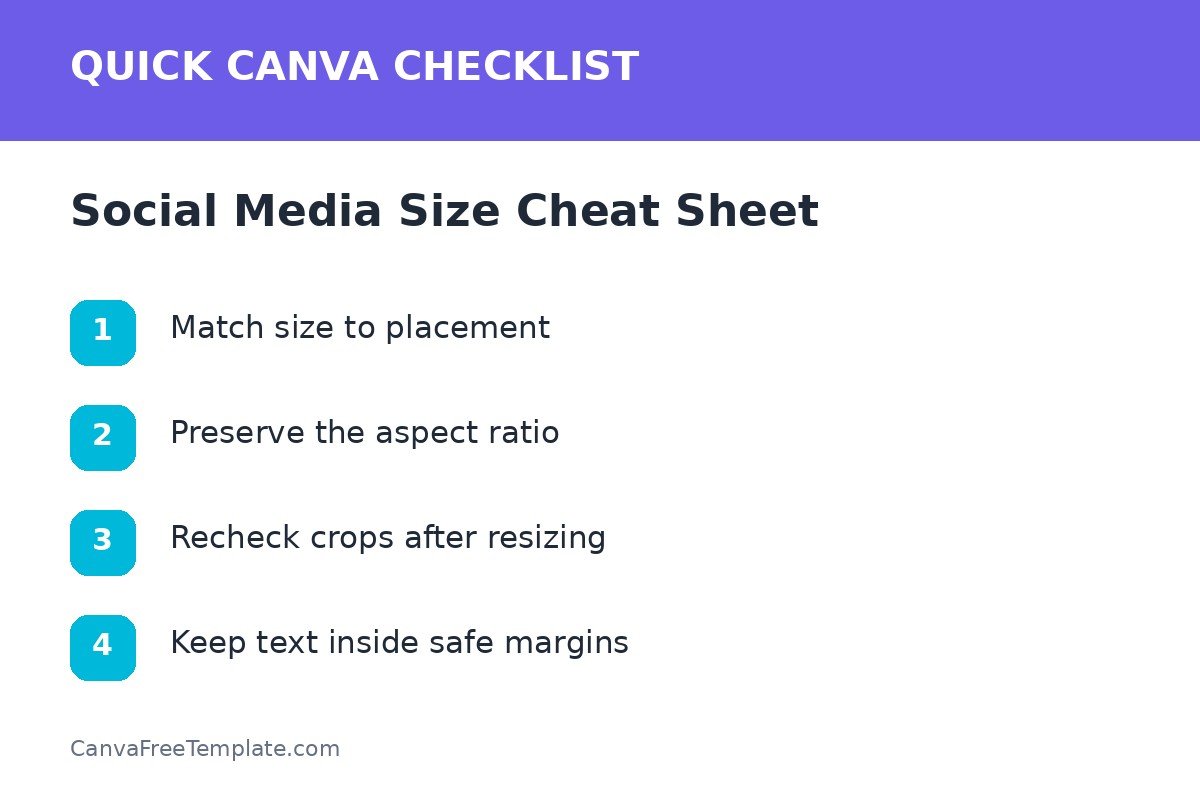
Aspect ratio describes the relationship between width and height. If the ratio changes, the composition changes. A 1:1 square, 4:5 portrait, 9:16 story, 2:3 pin, and 16:9 thumbnail all need different spacing and cropping decisions.
Design by ratio first
- 1:1: balanced square layouts.
- 4:5: portrait feed graphics with more vertical room.
- 9:16: full-screen vertical stories and short-form content.
- 2:3: tall Pinterest-style content.
- 16:9: landscape video and thumbnail formats.
How to Resize Canva Designs Without Breaking Them
Canva supports resizing workflows and common presets. However, automated resizing is the beginning of the process, not the end. After resizing, inspect line breaks, image crops, element positions, and empty space.
Resize checklist
- Duplicate the original design.
- Choose the target size or custom dimensions.
- Reposition the focal image.
- Rewrite long headlines if they wrap awkwardly.
- Rebuild groups that feel too tight or too loose.
- Check safe margins around edges.
Export Quality Checks
Before publishing, view the design at actual size. Check that small type is readable and images remain sharp. For file-format decisions, use the companion guide on exporting Canva designs as PNG, JPG, PDF, or SVG.
Platform-by-platform quality check
- Instagram: confirm portrait crops and story safe areas.
- Facebook: review the exact placement used by your post or campaign.
- Pinterest: make sure the vertical title remains readable in-feed.
- LinkedIn: keep professional banners and carousels clear on desktop and mobile.
- YouTube: keep important banner content inside the central safe area for smaller devices.
Social Media Size Checklist
- Correct canvas dimensions
- Correct aspect ratio
- No stretched images
- Text inside safe margins
- Rechecked crops after resizing
- Appropriate export format
Use dimensions as a starting point, not as the only design decision. The best workflow is to select the right Canva preset, apply your brand system, and then adjust the composition for the way that format is actually viewed.
FAQs About Canva Social Media Sizes
What size should I use for an Instagram post in Canva?
Common Canva references include 1080 × 1080 px for square posts and 1080 × 1350 px for portrait images. Stories commonly use 1080 × 1920 px.
What is a good Pinterest pin aspect ratio?
A 2:3 vertical ratio is a common Pinterest recommendation. Use a current Pinterest or Canva preset to confirm the exact dimensions you want.
Can Canva automatically resize designs for different social platforms?
Canva offers resizing tools and Magic Resize or Magic Switch features depending on plan and interface. Always review the resized version because text wrapping, image crops, and spacing may need manual adjustment.
Should I save one universal social media size?
No. Different platforms and placements use different aspect ratios. Reuse the same brand system, but adapt the canvas and composition for each destination.
2 Responses