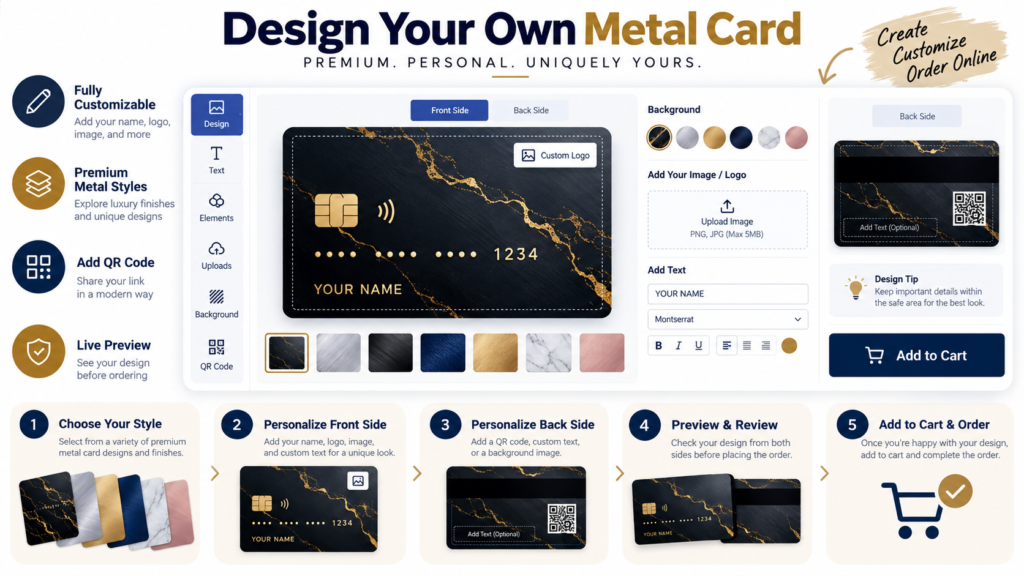
Custom Metal Card Order Checklist: What to Review Before You Buy
A final review feels boring when you are excited to order, but it is often the step that protects the quality of the finished card. A short checklist can save you from simple mistakes that become expensive once the order is placed.
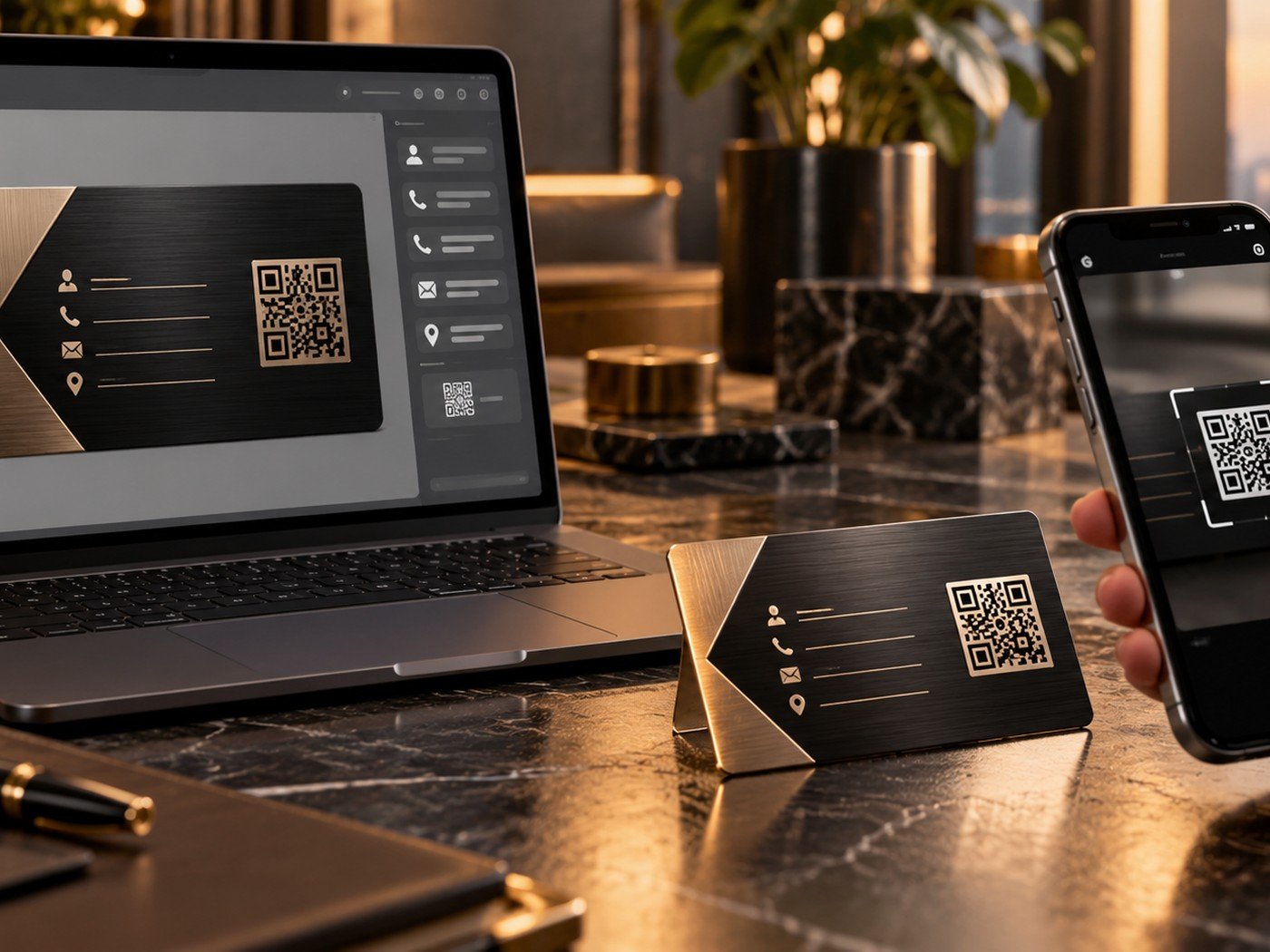
1. Check content and spelling
Start with the basics. Are names correct? Is the email address correct? Is the phone number complete? Are dates, titles, or initials exactly as they should be?
This seems obvious, but contact details are one of the most commonly overlooked areas because people focus so heavily on the visual style.
2. Check layout and spacing
Review the front and back together. Do they feel balanced? Does the design still feel clean when both sides are considered as one product? Are any elements too close to the edge?
Now is also the time to make sure the most important detail is still the easiest thing to notice.
| Checklist item | Why it matters | Quick question |
|---|---|---|
| Spelling and details | Prevents practical mistakes | Is every word correct? |
| Front and back balance | Improves design quality | Do both sides work together? |
| Image and logo quality | Affects final sharpness | Are the source files strong enough? |
| Contrast and readability | Protects usability | Can the important text be read easily? |
| Product and finish | Shapes final mood | Did you choose the right card style? |
3. Check source files and contrast
If you used a photo or logo, confirm that the file is the correct one and that it still looks good in the preview. If you used a subtle color system, test the contrast one more time with the Color Contrast Checker.
For image-led cards, you can also review our guide on preparing photos and artwork.
Use these before the last click
These simple tools can help you confirm text length, contrast, and source file quality before the order is approved.
Helpful tools: Word & Character Counter · Color Contrast Checker · Image Compressor
4. Check the product style and finish
A design can look good and still sit on the wrong product style. Make sure the finish and style direction match the design mood you intended. The Golden Monogram and Midnight Signature options, for example, suggest different visual personalities.
If you are unsure, go back to our article on choosing colors and finishes.
5. Do one final approval pass like a new viewer
Step away for a few minutes if you can. Then come back and review the card once more. The goal is to look at it like the person receiving it, not like the person who made it.
That final pass often reveals the last small issue. When nothing important stands out as a problem, you can order with more confidence.
- Names, spelling, and dates are correct.
- Phone, email, and website are correct.
- Front and back feel balanced.
- Important elements have enough space.
- Colors still have clear contrast.
- Source images are the correct files.
- The chosen finish matches the concept.
- The card feels premium at a glance.
Frequently asked questions
Should I review both sides before ordering?
Yes. Review both sides together because changes on one side often affect the balance of the whole card.
What is the last thing I should check?
Check spelling, contact details, and overall readability one final time before you approve the order.
Can a checklist really reduce mistakes?
Absolutely. A short checklist catches details that are easy to miss when you have looked at the design too long.