Canva Batch Content Workflow: Create a Week of Social Posts Faster
Batching Canva content is not about making dozens of random posts at once. It is about making the same decisions once, then reusing them. When the fonts, colors, spacing, and layout roles are fixed, you can focus on the message instead of redesigning every post.
A good batch workflow starts outside the canvas. Decide the topics, headlines, images, and calls to action first. Then use a small family of master layouts to turn that plan into finished graphics.
- Plan the content before designing.
- Build a small master template set.
- Prepare copy and images.
- Create controlled variations.
- Export and check in batches.
1. Plan the Copy Before You Duplicate a Design
Write the hook, supporting line, and action for each post in a simple list. Short copy is easier to fit into a repeatable layout. If one post needs far more text than the others, give it a different format rather than squeezing it into the same card.
Use the Word & Character Counter to tighten headlines and labels before you start the visual batch.
A simple content sheet can include
- Post topic.
- Main headline.
- One support line.
- Image needed.
- Destination or action.
2. Build Three or Four Master Layouts
You do not need one template for every post. Build a small set for common jobs, such as a tip, a product or service highlight, a quote, and a promotion. Keep the same type scale and spacing system across all of them.
Use the layout and alignment guide to set shared margins and grid rules before you duplicate the masters.
| Master | Use for |
|---|---|
| Tip card | Educational posts |
| Photo + text | Stories and case examples |
| Offer card | Promotion or CTA |
| Carousel cover | Multi-slide guides |
3. Prepare Images Before the Batch
Crop and resize source images first. This reduces the time spent fixing every frame inside Canva. Give each image a clear focal point so it still works when placed in a repeated card.
Use the resizer and cropper to prepare clean source files for square, portrait, and vertical formats.
4. Create Variations Without Breaking the Brand
Change the message and image while keeping core design rules stable. Use the same headline font, button style, corner radius, and color roles. Variety can come from photo crops and content, not from changing the whole visual system every time.
When you need several platforms, adapt the composition instead of stretching one canvas. Check the social media size guide before you export a full campaign.
5. Export in Small Checked Groups
Export a few posts, open the files, and check text size, crops, and order. Fix the master before you create the rest of the batch. This is faster than finding the same problem in twenty finished files.
Use clear names such as platform-topic-date. Keep the Canva master separate from the delivery files so the next batch starts from a clean base.
Fast real-world test
Run a small batch first. Make three posts from one master. Export them and look at all three side by side. The type, color, and space should feel like one set. The posts should not look like copies because the hook and image should change.
If one post breaks the layout, do not force it to fit. Give that idea its own format. A good batch saves time, but it should not make the message worse. Keep the rules that help. Drop the rules that hurt the post.
How to Batch Create Designs in Canva
Video source: YouTube
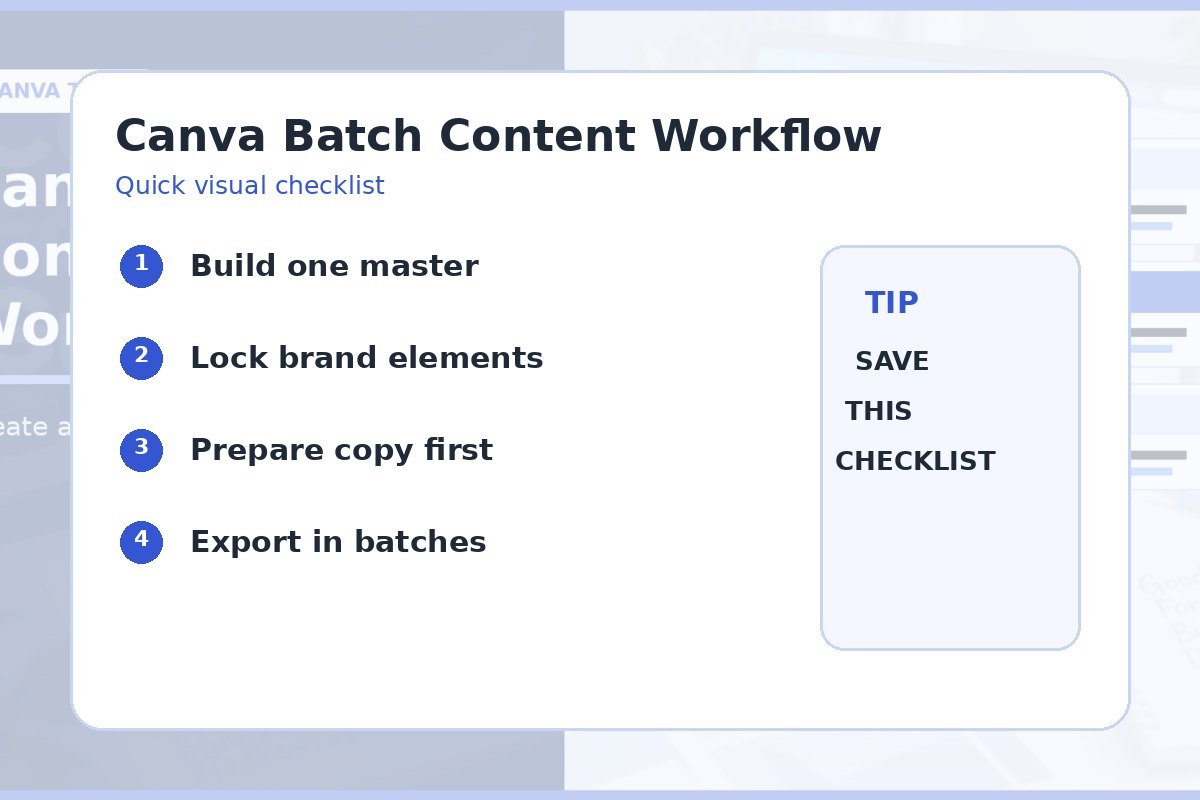
Quick checklist
- Topics planned first.
- Small master template set.
- Copy prepared.
- Images cropped and resized.
- Brand rules kept stable.
- Sample export checked before full batch.
Frequently asked questions
What should I batch first in Canva?
Batch repeated content types first, such as tips, quotes, product cards, or carousel covers. They benefit most from a shared master.
How many master templates do I need?
Three or four strong layouts can cover many weekly content plans. Add a new master only when the content has a different job.
How do I keep batch content from looking repetitive?
Keep the brand system stable but vary the photo, headline, emphasis block, and content type. Consistency and repetition are not the same thing.